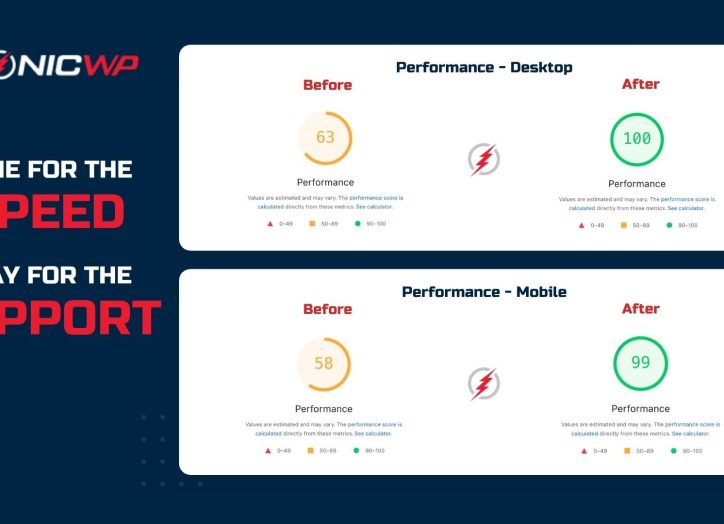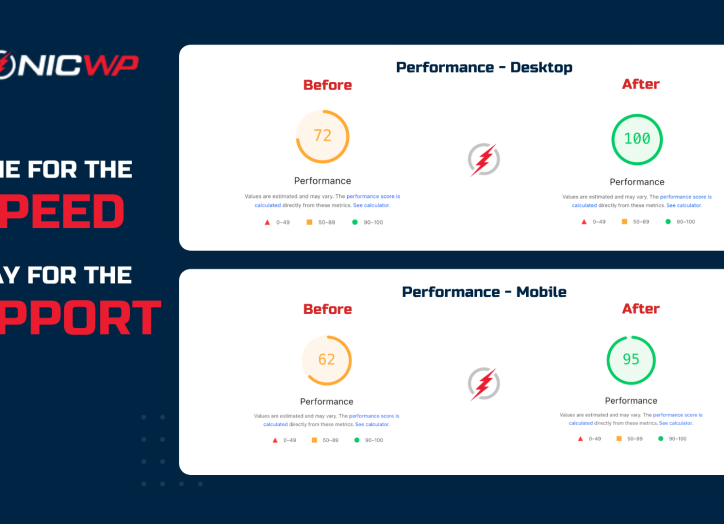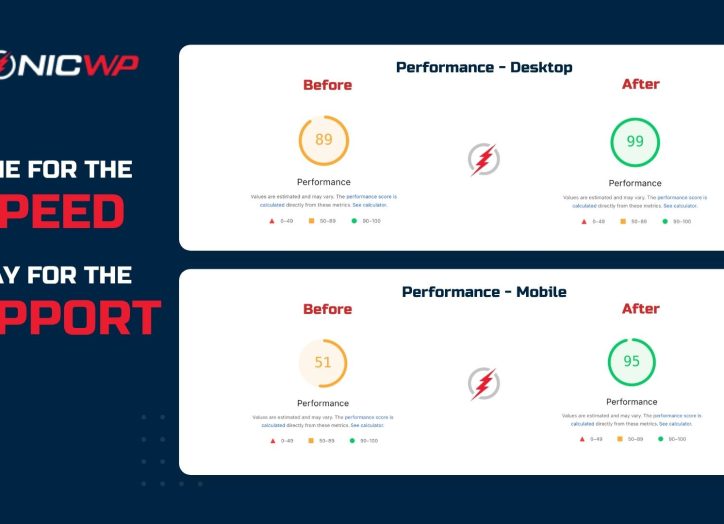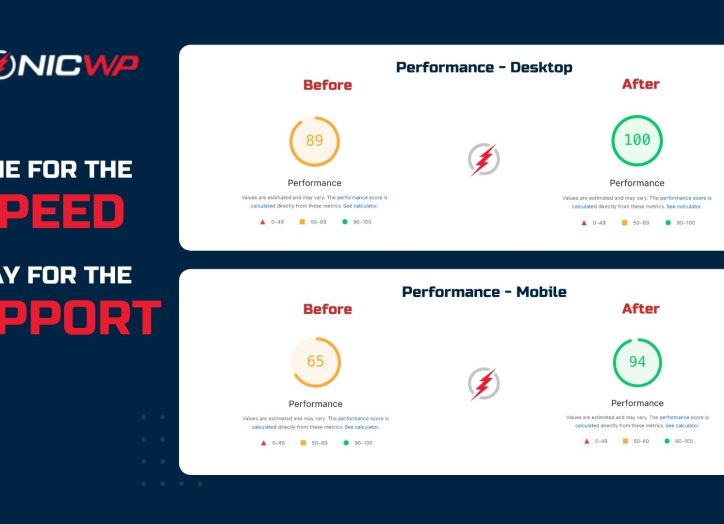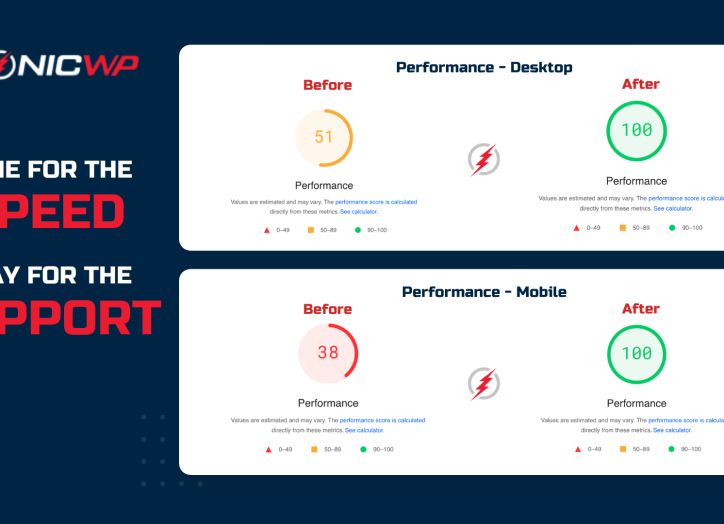


In today’s digital age, website speed is more important than ever. A fast-loading site not only improves user experience but also boosts SEO rankings and conversion rates. For WordPress agencies, ensuring optimal performance for client sites is crucial. Here are some tips to help you enhance website performance and keep your clients happy.
1. Optimize Images for Faster Loading
Images are often the largest files on a webpage, and optimizing them can significantly reduce load times. Use tools like Smush or ShortPixel to compress images without sacrificing quality. Additionally, consider using the WebP format, which offers superior compression and quality compared to traditional formats like JPEG or PNG.
2. Leverage Browser Caching
Browser caching allows static files to be stored in a user’s browser, reducing the need to reload them on subsequent visits. Implement caching plugins like W3 Total Cache or WP Super Cache to enable browser caching and improve load times for returning visitors. This not only enhances user experience but also reduces server load.
3. Minimize HTTP Requests
Each element on a webpage, such as images, scripts, and stylesheets, requires an HTTP request. The more requests, the longer it takes for the page to load. Reduce the number of requests by combining CSS and JavaScript files, and using CSS sprites for images. This consolidation helps streamline loading processes and improves speed.
4. Use a Content Delivery Network (CDN)
A CDN distributes your site’s static files across multiple servers worldwide, allowing users to access them from the server closest to their location. This reduces latency and speeds up load times. Services like Cloudflare or KeyCDN offer easy integration with WordPress sites, ensuring faster delivery of content to users around the globe.
5. Optimize Your Database
Over time, your WordPress database can become cluttered with unnecessary data, slowing down your site. Regularly clean and optimize your database using plugins like WP-Optimize or Advanced Database Cleaner. This maintenance helps improve query performance and reduces load times.
6. Choose Fast and Reliable Hosting
Your hosting provider plays a significant role in website performance. Choose a provider that offers fast, reliable servers with excellent uptime. Consider managed WordPress hosting solutions that are optimized for speed and performance. A quality hosting service can make a noticeable difference in site speed and reliability.
7. Enable GZIP Compression
GZIP compression reduces the size of your website’s files, making them quicker to download. Most modern browsers support GZIP, and enabling it can drastically reduce bandwidth usage and load times. Use plugins or server settings to activate GZIP compression for your WordPress site.
Conclusion
Enhancing website performance is essential for providing a seamless user experience and maintaining competitive SEO rankings. By optimizing images, leveraging caching, minimizing HTTP requests, using a CDN, optimizing your database, choosing reliable hosting, and enabling GZIP compression, you can ensure that your WordPress sites run smoothly and efficiently. Remember, a fast site is a happy site!