

Maintaining WordPress sites can be a daunting task for agencies, with various challenges ranging from security threats to performance issues. However, with the right strategies and tools, you can effectively manage these challenges and ensure your clients’ websites run smoothly. Here are some key areas to focus on for successful WordPress site maintenance.
1. Security: Protecting Your Sites from Threats 🛡️
Security is a top priority when it comes to WordPress site maintenance. With WordPress being a popular platform, it often becomes a target for hackers. To protect your sites, ensure that you have robust security measures in place. This includes using security plugins like Wordfence or Sucuri, implementing strong passwords, and enabling two-factor authentication. Regularly update WordPress core, themes, and plugins to patch vulnerabilities.
2. Performance Optimization: Keeping Sites Fast and Responsive 📈
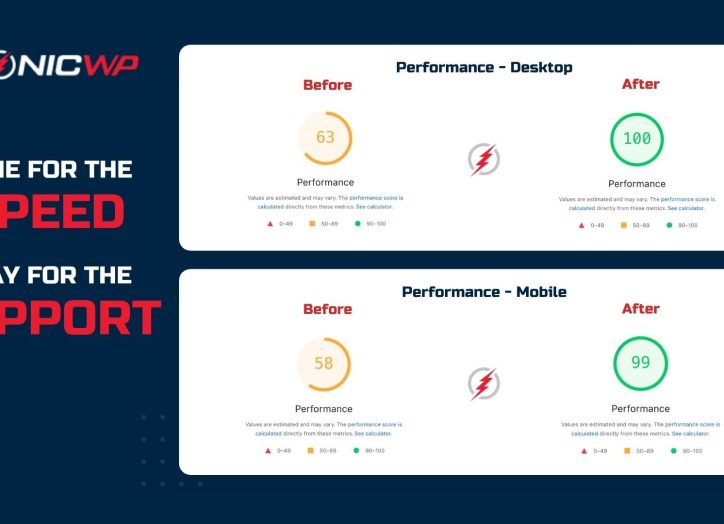
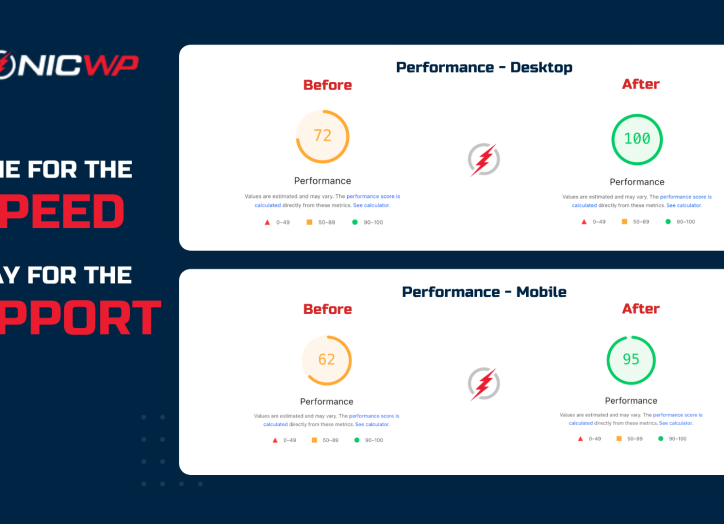
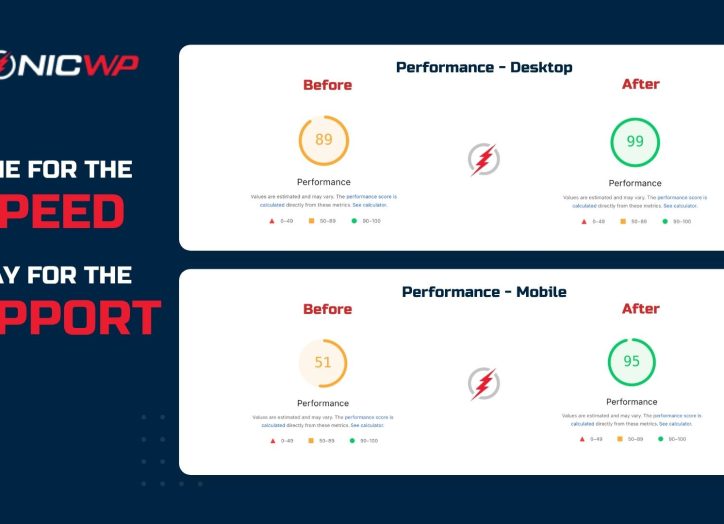
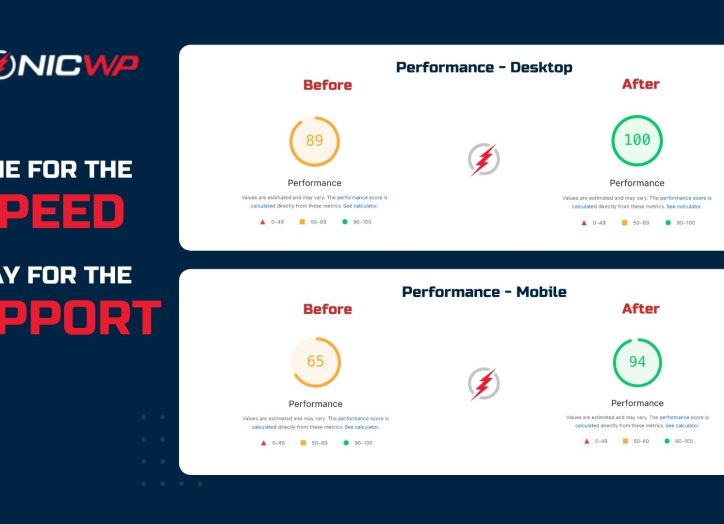
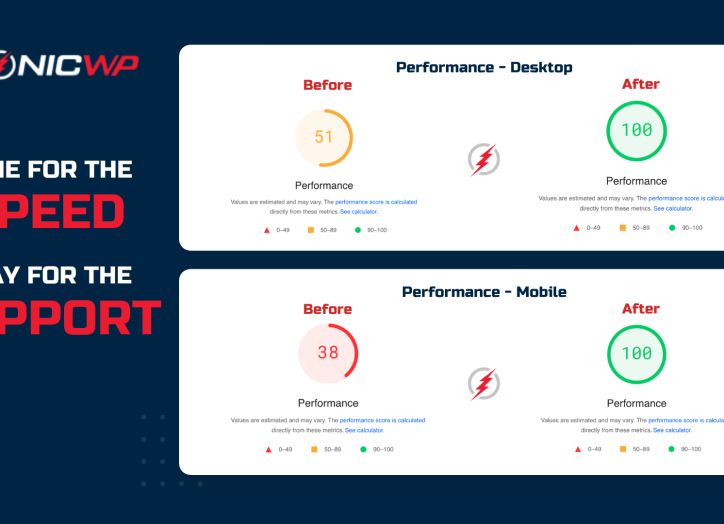
A slow website can lead to poor user experience and higher bounce rates. To optimize performance, focus on reducing load times and improving responsiveness. Use caching plugins like W3 Total Cache or WP Super Cache to speed up page loading. Optimize images using tools like Smush or ShortPixel, and consider using a Content Delivery Network (CDN) to distribute content more efficiently.
3. Regular Backups: Ensuring Data Safety
Regular backups are essential to safeguard your data in case of unexpected events like server crashes or cyberattacks. 💾 Use backup plugins like UpdraftPlus or BackupBuddy to automate the backup process. Ensure that backups are stored in a secure location and can be easily restored when needed. Having a reliable backup strategy gives you peace of mind and minimizes downtime.
4. Plugin and Theme Management: Avoiding Conflicts and Issues 🔄
Plugins and themes are integral to WordPress functionality, but they can also cause conflicts and issues if not managed properly. Regularly review and update plugins and themes to ensure compatibility and security. Remove any unused or outdated plugins to reduce vulnerabilities. Test updates in a staging environment before applying them to live sites to prevent disruptions.
5. SEO Maintenance: Keeping Sites Visible 🔍
SEO is crucial for maintaining website visibility and attracting organic traffic. Regularly monitor and update SEO settings to reflect changes in search algorithms. Use SEO plugins like Yoast SEO or All in One SEO Pack to optimize site structure, meta tags, and content. Conduct regular audits to identify and fix any SEO issues that may arise.
6. Monitoring and Analytics: Tracking Site Performance 📊
Monitoring site performance and user behavior is essential for ongoing maintenance. Use tools like Google Analytics and Google Search Console to track key metrics and identify areas for improvement. Set up alerts for downtime or performance issues to address them promptly. Regularly review analytics data to make informed decisions and enhance site performance.
Conclusion
WordPress site maintenance can be challenging, but with the right approach, you can navigate these challenges effectively. By focusing on security, performance, backups, plugin management, SEO, and monitoring, you can ensure that your clients’ websites remain secure, fast, and up-to-date. Remember, proactive maintenance is key to preventing issues and providing a seamless experience for your clients. 🌟